
Get Started with Data on Curate
Welcome to Curate’s Data Management tool. This service empowers users like you to upload and manage your data for that will drive project insights and decision-making in Curate. Let’s dive into the purpose of this feature, the validation process, and ensuring your data is well formed.
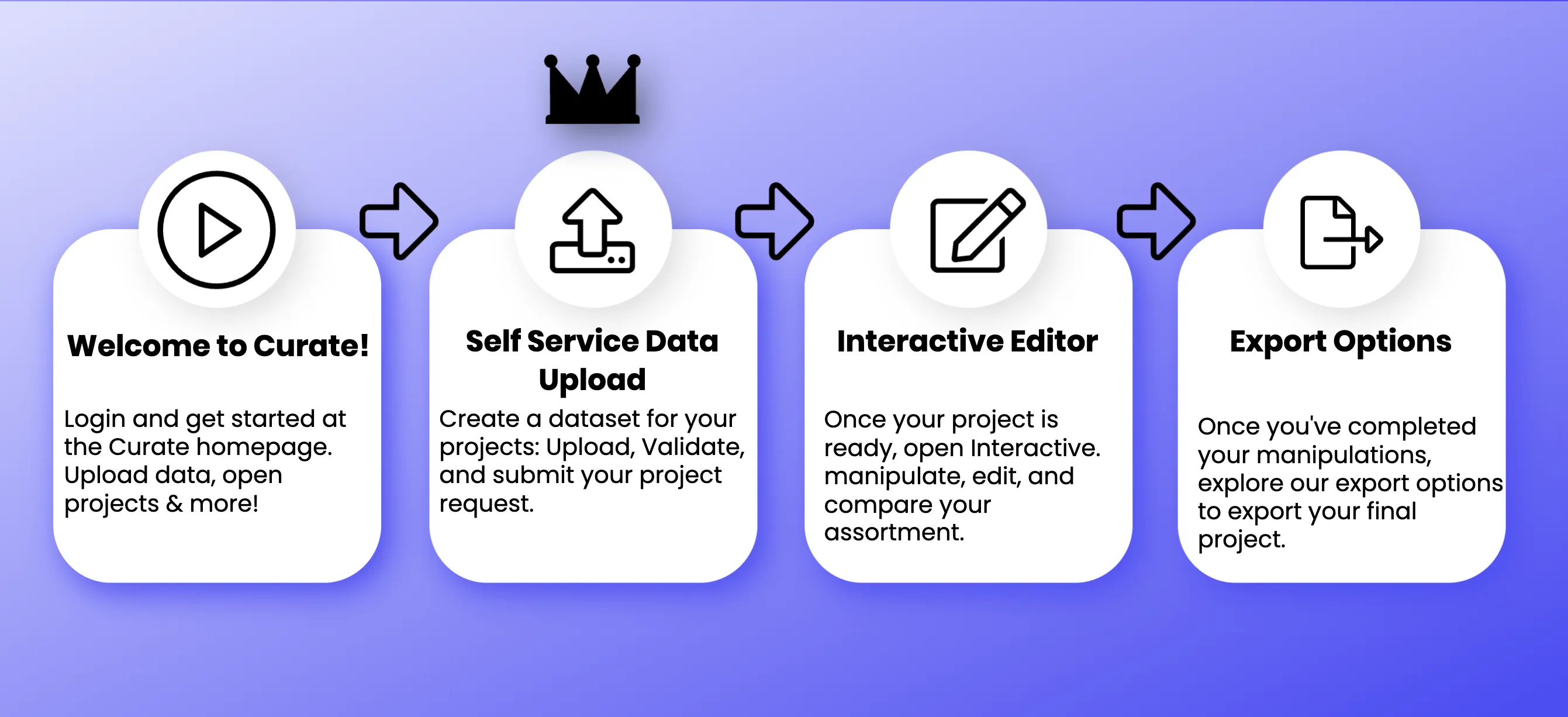
What is Self-Service Data Integration?
Section titled “What is Self-Service Data Integration?”The primary purpose of our Self-Service Data Integration service is to streamline the process of getting your data into Curate. Whether you’re handling product information, store details, movement data, or planograms, this feature ensures a secure and seamless transfer of crucial data into your projects. By uploading your data directly, you are in control every step of the way, and will gain quick access to insights that drive your project forward.
Validation Process
Section titled “Validation Process”We understand the importance of ensuring your data is suitable for use in your projects and sometimes data issues are out of your control. Don’t worry, we’re here to help! To maintain data integrity and accuracy Curate employs a robust validation process. This process verifies that your uploaded data meets the required formatting, determines if your data has any obvious errors such as sales data referencing products or stores not included in the other data files, or missing planograms for space-aware projects. If any discrepancies are found during validation, you’ll receive feedback to rectify the issues, ensuring smooth data integration for your project in Curate.
Getting Started
Section titled “Getting Started”Below we will go over the data files we will need to get started training your private and customized models in Curate.
You can find templates of the files you need in the Data Management page inside Curate
Products
Section titled “Products”A list of all products along with their corresponding UPCs, regardless of their current assortment status. This list should encompass details such as category, subcategory, brand, sub-brand, manufacturer, pack group, and all relevant product dimensions.
Stores
Section titled “Stores”A numbered list of stores that includes geographical information such as region, state, distribution center, cluster, and latitude and longitude.
Movements
Section titled “Movements”Mapping group UPCs to store number, weekly movement data, and pricing information.
Planograms (For Space Aware Projects)
Section titled “Planograms (For Space Aware Projects)”Planogram files for use with space aware projects. These are uploaded as a .zip of all the planograms. Each planogram uses the file format of .psa. Upload these for space aware planogram drawing in the app. Uploading unlocks features like: Days of Supply and Number of Facings.
Planogram-Store Mapping (For Space Aware Projects)
Section titled “Planogram-Store Mapping (For Space Aware Projects)”Indicates which Planograms are executed at which stores. Use this in space aware projects. This is required along with the planogram files.
Product Images (For Space Aware Projects)
Section titled “Product Images (For Space Aware Projects)”Images of each product included in this project to display on a planogram as either assorted or unassorted. The product images are uploaded in a zip folder just like planograms. Use these with your space aware project in order to visualize the planograms. Note that these are optional, and any missing images will default to a backup indicator.
Innovation Items
Section titled “Innovation Items”New items that warrant an investigation into their performance. Use this for items that don’t have sales data. This enables us to predict the items performance at each store.
Sister Stores
Section titled “Sister Stores”Use this file for new stores with no data to simulate item performance based on data from similar stores.
Availability
Section titled “Availability”This file defines the products available by store and is not a requirement if all stores can carry all products. Every product that is available at a particular store must have an entry, otherwise it will not be assorted at that store.
Consumer Decision Tree
Section titled “Consumer Decision Tree”A graphical depiction illustrating the process and factors a customer considers when deciding to buy a product within a certain category, and informs Hivery’s demand transfer capabilities. Outlines the prioritization of attributes important to the customer, like brand, price, size, flavor, quality, or features.
Upload an image of your CDT and we will translate it and use it for informing our models. This can be in any format, but the more detailed the better. Our system then takes your uploaded Products file and matches each product to the CDT based on those products’ attributes.
Using your CDT we power our Demand Transfer model, which in turn powers features such as: Product Recommendations, Enhanced Assortments, and Assortment Strategy.