
Welcome To Curate

Meet Curate, your partner in revolutionizing assortment strategy! HIVERY’s Curate platform utilizes cutting-edge machine learning to empower users like you to make informed decisions at the national, clustered, and store levels. Whether you’re a seasoned retail professional, or just starting out, Curate is designed to enhance your assortment strategies and maximize your success.
Logging In
Section titled “Logging In”Complete Account Registration Process and Log In
Section titled “Complete Account Registration Process and Log In”To get started with Curate, you’ll need to get access to your account. Our dedicated team of experts will ensure you get the proper permissions you require to be successful within Curate. Once your account is created, you will be prompted to log in to access the full suite of Curate features tailored to your needs. For more information on how to access your account, visit our step by step guide.
Your Workflow In Curate
Section titled “Your Workflow In Curate”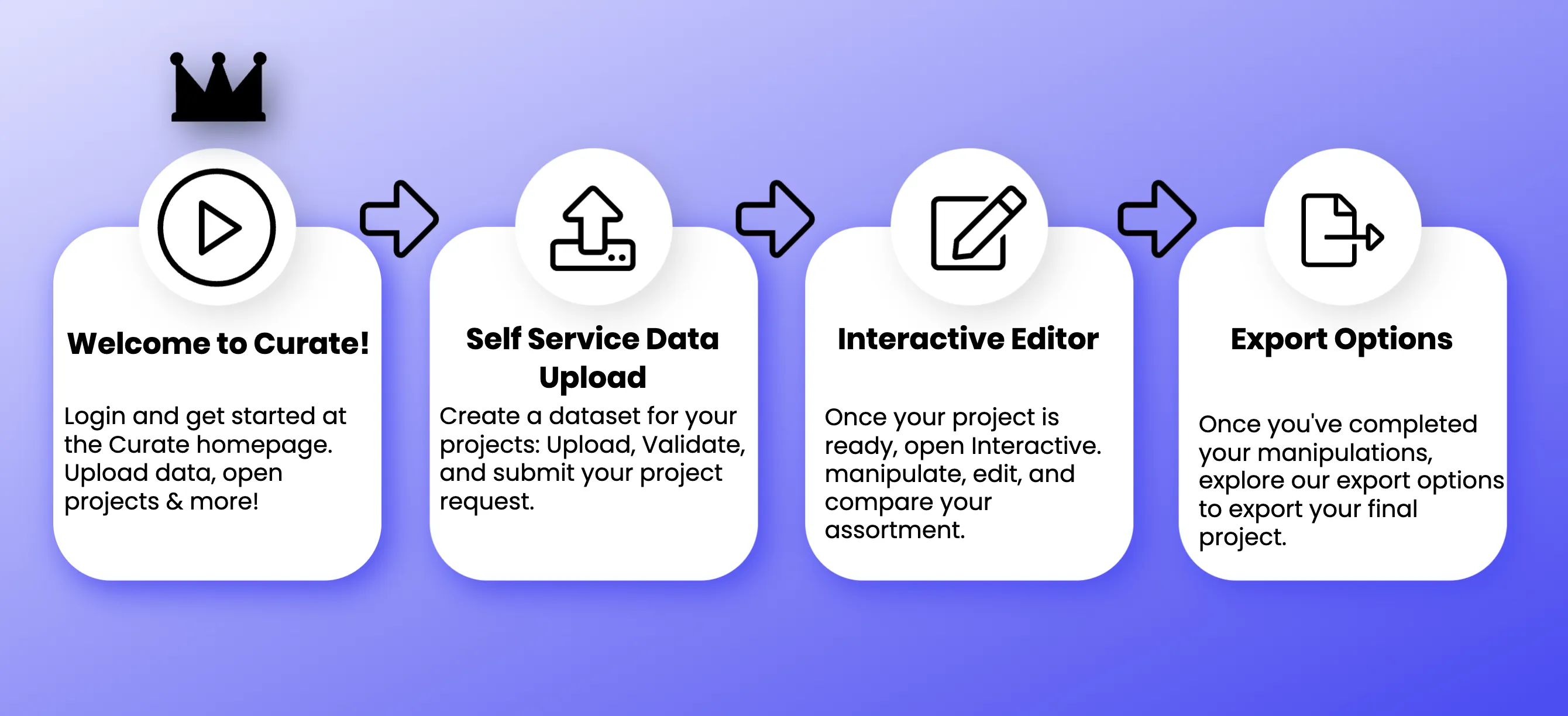
Below you will find a walkthrough of the workflow in Curate, so you can get an idea of the journey you’re about to embark on. If you need any help along the way, we’re always just an email away!
Navigate to the Data Management Page in Curate
Section titled “Navigate to the Data Management Page in Curate”The first step in using Curate is to upload the data you want to use for your project. Utilize our self-service data upload feature to seamlessly import your dataset into the platform. Before uploading any data, we recommend consulting the data requirements page to better understand the specific parameters that Curate requires.
Validate Your Dataset
Section titled “Validate Your Dataset”After uploading your data, it’s essential to ensure its accuracy and completeness. Curate provides built-in validation tools to help you verify the integrity of your dataset. Address any errors or discrepancies against our provided data requirements to ensure successful validation.
Request a Project
Section titled “Request a Project”Once you’ve completed the data upload process and corrected any errors identified in the validation error report, you may request a project by selecting this option from the main dropdown menu next to the dataset you’d like to use.
Enhancing Your Assortment
Section titled “Enhancing Your Assortment”Leveraging Machine Learning Models Once your dataset is validated, Curate’s cutting-edge machine learning models go to work. These advanced algorithms analyze your data to identify patterns, trends, and opportunities. Sit back and let Curate do the heavy lifting, providing insights that drive informed decision-making.
Review and Manipulate your Assortment
Section titled “Review and Manipulate your Assortment”After enhancing your base assortment, Curate presents an improved version tailored to your specific needs. Explore the suggested assortment and leverage updated Key Performance Indicators (KPIs) to gauge performance accurately. Curate gives you the flexibility to manually manipulate the assortment, ensuring it aligns perfectly with your strategic objectives.
Explore Demand Transfer
Section titled “Explore Demand Transfer”One of Curate’s unique features is demand transfer analysis. Understand how changes to your assortment impact demand across your product portfolio. Identify opportunities to optimize assortment strategies further and maximize overall performance.
Conclusion
Section titled “Conclusion”With Curate, you have the power to revolutionize your assortment strategy like never before. From self-service data upload to leveraging cutting-edge machine learning models, Curate guides you every step of the way. Explore, analyze, and optimize your assortment with confidence, knowing that Curate is by your side.
Thank you for choosing Curate. Let’s embark on this journey of strategic enhancement together